Websites & Conversion
Is Your Business Website Hurricane-Ready? | Palm Coast FL
Florida businesses need websites that can update fast when plans change. Here’s how Palm Coast service businesses can stay reachable during hurricane season.
·5 min read
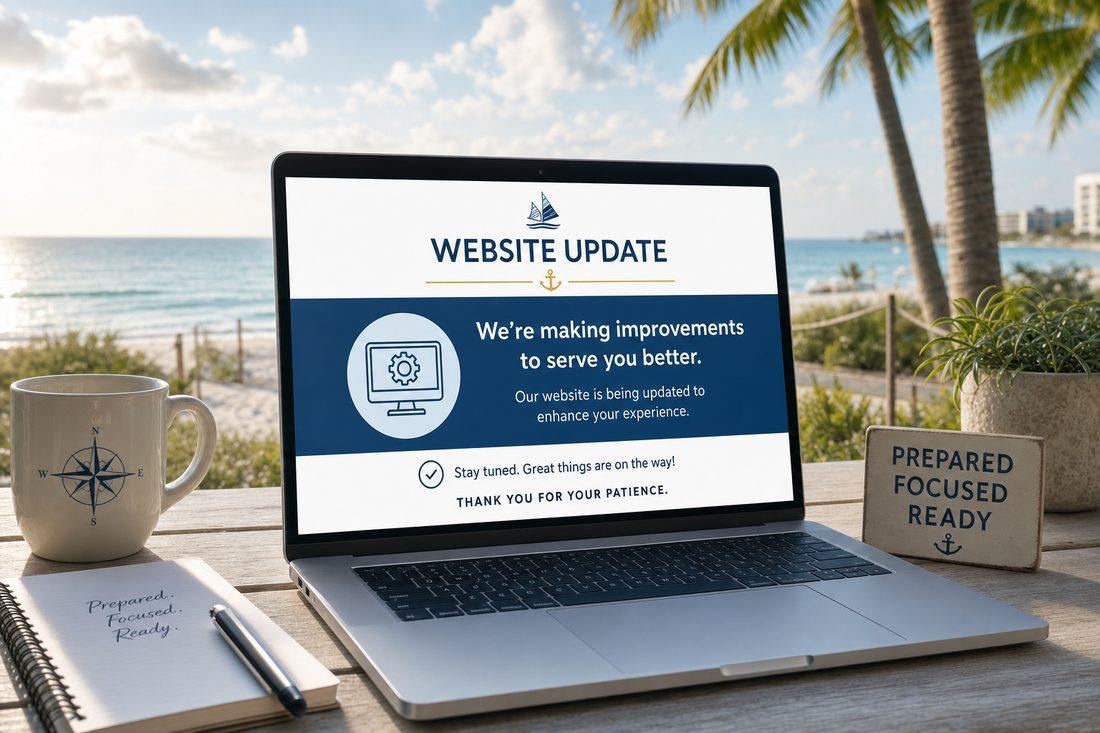
If you run a business in Palm Coast, you already know: when a storm is coming, things move fast.
Forecasts shift. Schedules get canceled. Hours change. Jobs get pushed. And your customers — who are also tracking the same storm, juggling their own households — are going to your website to find out what’s happening with you.
The question is: can your site actually tell them?
When Chaos Hits, People Go to the Source
Social media gets loud during a storm. Facebook fills up with posts, shares, rumors, and alerts. Feeds move fast and your update gets buried in three minutes.
Your website is different. It’s stable. It’s searchable. It’s the one place where someone can go specifically to find your information, on your terms, without sorting through noise.
But here’s the problem: a lot of small business websites are built as if nothing will ever change. Static pages, no easy way to post a quick update, no announcement section, no ability to flip a banner in a hurry.
When the situation calls for immediate communication, those sites go silent — and customers are left guessing.
What a “Ready” Website Looks Like
You don’t need a complicated setup. You need a few simple tools baked in before you need them.
An Announcement Banner
This is a thin bar at the top of every page on your site — above the header, visible instantly — where you can post a short update.
“We’re monitoring the storm. Check back for schedule updates.” “Operating on modified hours this week. Call or text for availability.” “Our team is back in the field — booking jobs now.”
One sentence. Everyone who visits your site sees it immediately. When the situation clears, you take it down. This is one of the most useful and underused features in local business web design.
Easy-to-Update Hours
If your hours change, your website should reflect it quickly. Customers who search for you — especially via Google — may see your business hours in the search results. If those don’t match reality during a disruption, you create confusion and friction when people already have enough of both.
Make sure whoever manages your site (or you yourself) can update hours without needing a developer. And keep your Google Business Profile synced as well — it’s often the first place people check.
A Temporary Service Notice Page or Section
For situations that last more than a day or two, a dedicated “Current Updates” section on your website gives you a place to communicate ongoing changes. Which services are available. What the timeline looks like for getting back to full capacity. Whether you’re taking new inquiries.
This doesn’t need to be elaborate. A short paragraph, updated as the situation evolves, does the job. The point is to have a place that customers know to check — not to rely on them hunting through your social media history.
Contact Options That Keep Working
Storm or no storm, people need to reach you. Your website should make that easy through multiple channels — not just a form that requires you to check a dashboard.
Make sure your site displays: - A clickable phone number (tap to call on mobile) - A text-friendly number if you use one - An email address (not just a form)
When cell service gets spotty or you’re managing a situation from somewhere other than your office, giving customers multiple ways to reach you means fewer people fall through the cracks.
The Bigger Picture: Consistency Builds Trust
There’s a principle that applies well beyond storm season: customers trust businesses that communicate clearly, especially under pressure.
When your site goes dark during a disruption — no update, no message, no acknowledgment — customers don’t assume everything is fine. They assume you’re unavailable, unreliable, or closed.
When your site gives them a clear message — even just “we’re monitoring the situation and will update you here” — they feel taken care of. They come back. They refer you.
A ready website is part of your reputation, not just your marketing.
Florida-Specific Realities
If your business is in Palm Coast, Flagler County, or anywhere on the FL coast, you’re in a region that knows this drill. Your customers are used to storm season logistics. They appreciate businesses that handle it professionally.
A landscaper who posts a quick update about postponed jobs during a weather event, a contractor who keeps their site current during a week of disruptions, a service business that answers the “are they still operating?” question before it gets asked — these businesses earn loyalty that sticks well past hurricane season.
The time to set this up is before you need it.
Quick Takeaways
- Your website is a stable, searchable anchor when social media gets noisy
- An announcement banner lets you post quick updates visible on every page
- Keep your hours easy to update — on your site and your Google Business Profile
- Offer multiple contact options (phone, text, email) so customers can reach you
- A temporary service notice gives customers a reliable place to check for updates
- Clear communication during disruptions builds long-term trust and loyalty
- Set this up before storm season, not during it
FAQ
What’s the easiest way to add an announcement banner to my website?
Most modern website platforms (WordPress, Squarespace, Wix, and others) have plugins or built-in features for a site-wide announcement bar. The key is being able to update it yourself, quickly, without a developer. If you can’t do that on your current site, it’s worth fixing before you need it.
Should I post storm updates on social media or my website?
Both — but for different reasons. Social media reaches your followers actively. Your website is where people go to look for you specifically. A social post gets buried in hours; a banner on your site stays visible until you remove it. Use both, and point your social updates back to your website for details.
How do I keep my Google Business hours updated during a storm?
Log into your Google Business Profile directly and update your hours under “Special hours” or “Temporary closure” as appropriate. This affects what shows in Google Maps and search results. It’s separate from your website, but both should reflect the same information.
Is this only relevant during hurricane season?
Not at all. The same setup helps with any unexpected disruption — a staffing issue, a local emergency, severe weather of any kind, even a planned closure for a holiday or event. Building a site that can communicate quickly is a year-round asset.
Build a Site That’s Ready for Anything
At Medic 1 Media, we help Palm Coast and Flagler County businesses set up websites that aren’t just beautiful — they’re functional and resilient. That means easy update tools, clear contact pathways, and design that keeps working when the situation around you changes. If you’d like a free audit of how your site currently handles communication and updates, reach out. We’ll take a look and let you know what’s easy to add and what’s worth doing before next season.
Get My Free Growth Audit